
Get started Blogging with our Blog Platform Review and FREE Blogging Business Checklist.
Blogging has come a long way from being a simple online journal. Today, it’s a powerful way to build a personal brand, promote products, generate passive income, and even grow a full-fledged business from home. If you’re thinking about turning your blog into a business, the good news is—it’s absolutely doable. But where do you start? And when?
The answer is Start HERE, Start TODAY!
This information is based on my own experiences plus I asked Ai to help. All information here is for your entertainment and to spark your interest. Please check the accuracy of any prices, opinions etc and always get quality professional advice before committing to any business venture.
Here’s how you can launch your own blogging business!
BONUS: (At the end of my post there’s a FREE plan to help you get started with your Blogging business!)
I’ve compared the best platforms for creating and hosting your blog based on:
- ease of use
- cost
- skills required
- business potential.

Why Start a Blog as a Business?
Blogging gives you the ability to:
- Share your knowledge or passion
- Build a community or audience
- Sell digital or physical products
- Earn from ads, affiliate links, or sponsorships
- Work from anywhere with an internet connection
To Blog as a business, you need the right platform
Here are some of the most popular blogging platforms used by content creators, solopreneurs, and online businesses—and how they stack up for business use.
Top Blogging Platforms Comparison
| Platform | Ease of Use | Cost | Coding Skills | Scalability | E-commerce Ready |
| WordPress.org | Moderate | Free (Hosting from ~$5/month) | Optional, but helpful | Very High | Yes (via WooCommerce) |
| Wix | Very Easy | Free to ~$16/month | None | Moderate | Yes (Business plans) |
| Squarespace | Easy | ~$16-$23/month | None | High | Yes |
| Shopify (with Blog) | Easy | Starts at $39/month | None | Very High | Excellent |
| Ghost | Moderate | From $9/month (self-hosted) or $11/month (Ghost Pro) | Some knowledge needed | Moderate | Limited |
| Substack | Very Easy | Free (takes 10% of earnings) | None | Limited | No (best for newsletters) |
| Medium | Very Easy | Free or $5/month | None | Limited | No |
Blogging Platform Summaries
1. WordPress.org (Self-Hosted)
Best For: Full control, long-term growth, and monetization flexibility
Pros:
- Open source with thousands of plugins and themes
- Scales well for large blogs or stores
- Great SEO tools
Cons: - Hosting setup required
- Some learning curve
Business Features: - WooCommerce for e-commerce
- Membership and course plugins
- Ad and affiliate integration
2. Wix
Best For: Beginners looking for a fast, drag-and-drop solution
Pros:
- Simple, visual builder
- Built-in templates
Cons: - Less flexible for scaling
- Limited control over code
Business Features: - App market for integrations
- Business plans include product selling
3. Squarespace
Best For: Creatives, freelancers, and stylish product-based blogs
Pros:
- Gorgeous designs
- All-in-one platform
Cons: - Less customization than WordPress
- Pricing is higher than average
Business Features: - E-commerce ready
- Supports memberships, digital products
4. Shopify
Best For: Bloggers who plan to focus on selling products
Pros:
- Best-in-class e-commerce tools
- Secure and hosted for you
Cons: - Not blog-first (more shop-first)
- Higher monthly cost
Business Features: - Extensive selling tools
- Blog features are secondary
5. Ghost
Best For: Writers and publishers focused on subscriptions
Pros:
- Fast, minimalist design
- Built-in membership/subscription tools
Cons: - More technical to self-host
- Smaller plugin ecosystem
Business Features: - Great for paid content/membership
- Stripe integration
6. Substack
Best For: Newsletter-first blogging
Pros:
- Free to start
- Built-in email list
Cons: - 10% platform fee
- No shop integration
Business Features: - Ideal for writers monetizing newsletters
- Not great for product sales
7. Medium
Best For: Writers who want to reach an audience without building a site
Pros:
- Built-in reader base
Cons: - Limited branding and ownership
- You don’t own your audience
Business Features: - Monetization is limited to the Medium Partner Program
Which Platform Should You Choose?
Here’s a quick recommendation based on your blogging business goals:
| Your Goal | Best Platform |
| Full business with blog, store, and ads | WordPress.org |
| Simple blog and online shop for beginners | Squarespace or Wix |
| Sell physical or digital products as main focus | Shopify |
| Subscription/membership-based writing | Ghost or Substack |
| Write-only, no site-building | Medium |
Final Tips for Getting Started
- Pick a niche: Focus on a topic that has both passion and profit potential (e.g. health, productivity, home life, tech).
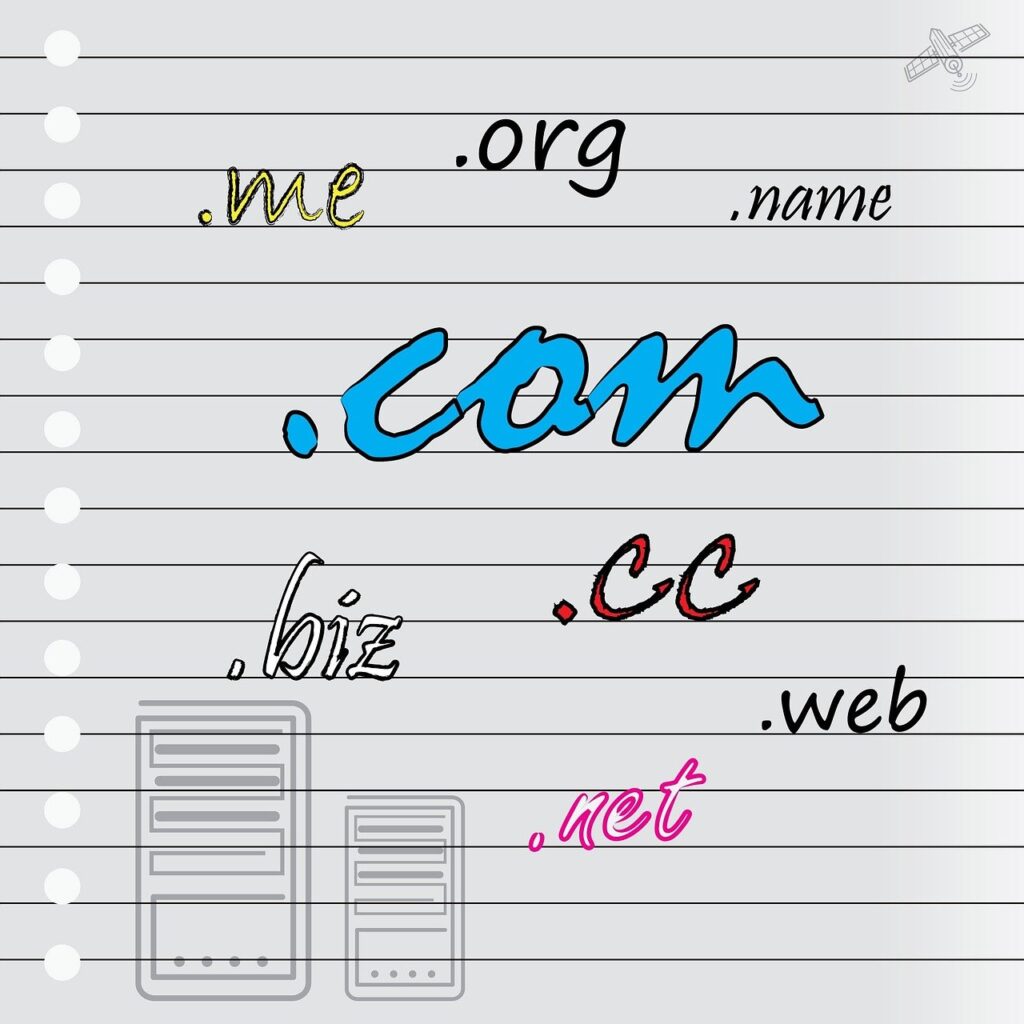
- Choose a domain name: Use something short, brandable, and relevant to your blog.
- Set up your platform: Choose the platform that matches your tech comfort and goals.
- Plan your content: Create an editorial calendar and write high-quality, useful posts.
- Monetize smartly:
- Use affiliate marketing
- Sell your own products or services
- Offer memberships or courses
Conclusion
Starting a blogging business can be one of the most rewarding ways to earn from your knowledge, creativity, or skills. The right platform can either streamline your success or hold you back—so take the time to pick one that matches your vision.
Whether you’re building a lifestyle blog, a product store, or a paid subscription newsletter, there’s a perfect platform for your business goals.
So what are you waiting for? Get started Blogging today with my step by step blogging plan.
Here’s a FREE step by step Blogging startup Plan:
Blogging Startup Plan **
1.Planning Your Blog Business
- Choose a niche that aligns with your knowledge and business goals
- Research competitors and trending topics in your niche
- Decide on a blog name and check domain availability
- Check Trademarks that may have been registered.
- Register your domain name (platforms like wordpress.org help you register a name)
- Write a short mission or brand statement
- Set SMART goals (e.g., income targets, post frequency, audience size)
2. Platform and setup
- Choose a blogging platform (WordPress, Squarespace, etc.)
- Choose a hosting provider (if required)
- Install and set up your blog with a clean theme or template
- Customize branding (logo, colors, fonts)
- Set up basic pages:
- About
- Contact
- Privacy Policy
- Terms and Disclaimers
3. Content creation
- Create a content calendar (weekly/monthly posts)
- Write and publish 3–5 high-quality blog posts before launch
- Plan categories and tags to organize your content
- Create at least one freebie/lead magnet (e.g., checklist, e-book)
4. Monetization Prep
- Sign up for affiliate programs relevant to your niche
- Set up Google AdSense or another ad network
- Plan your first product (e.g., digital course, e-book, printables)
- Connect payment methods (e.g., Stripe, PayPal) if selling
- Set up email marketing platform (e.g., Mailchimp, ConvertKit)
5. Launch and Promote
- Announce your launch on social media
- Join relevant online communities to share your content
- Set up Google Analytics and Search Console
- Create Pinterest, Instagram, or Facebook pages for traffic
- Start collecting email subscribers

Need more help getting started? Try some of our other posts like:
“Brainstorming business ideas”